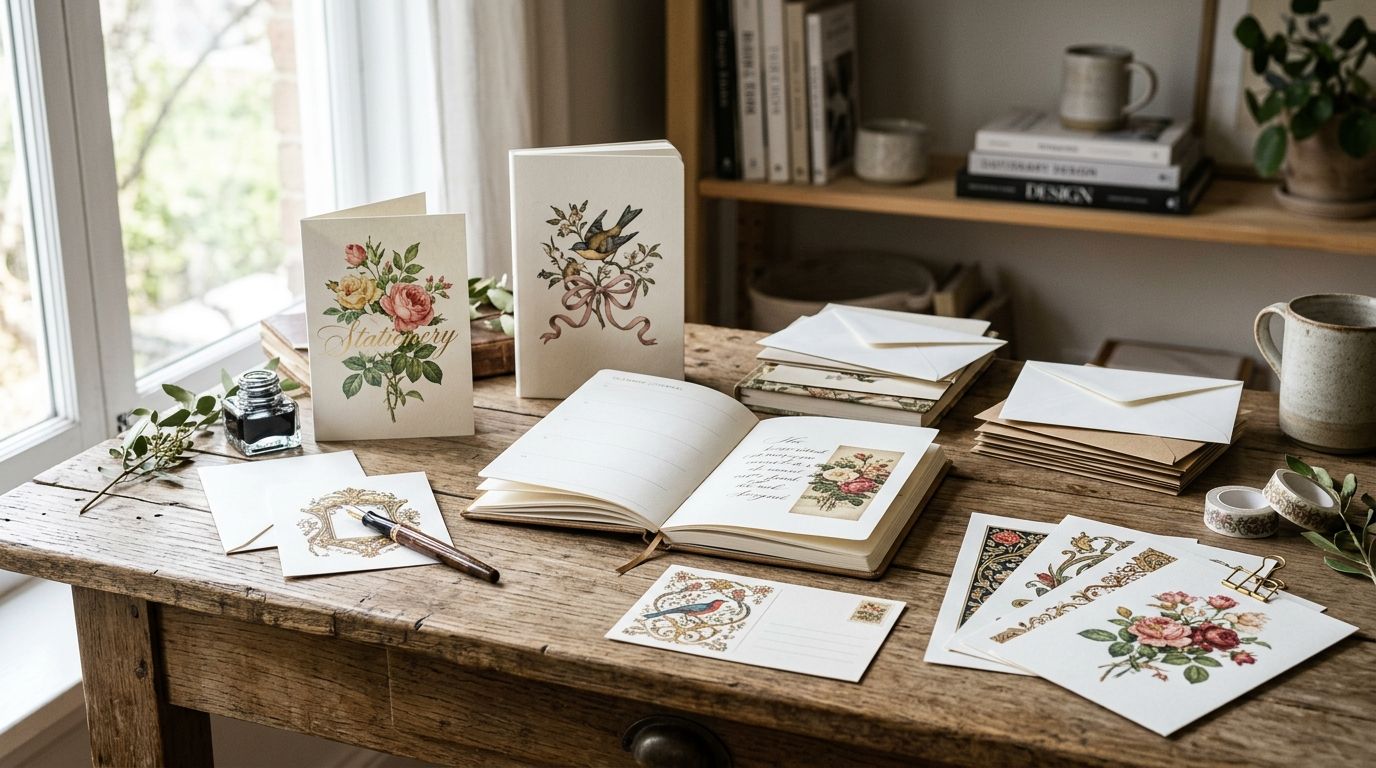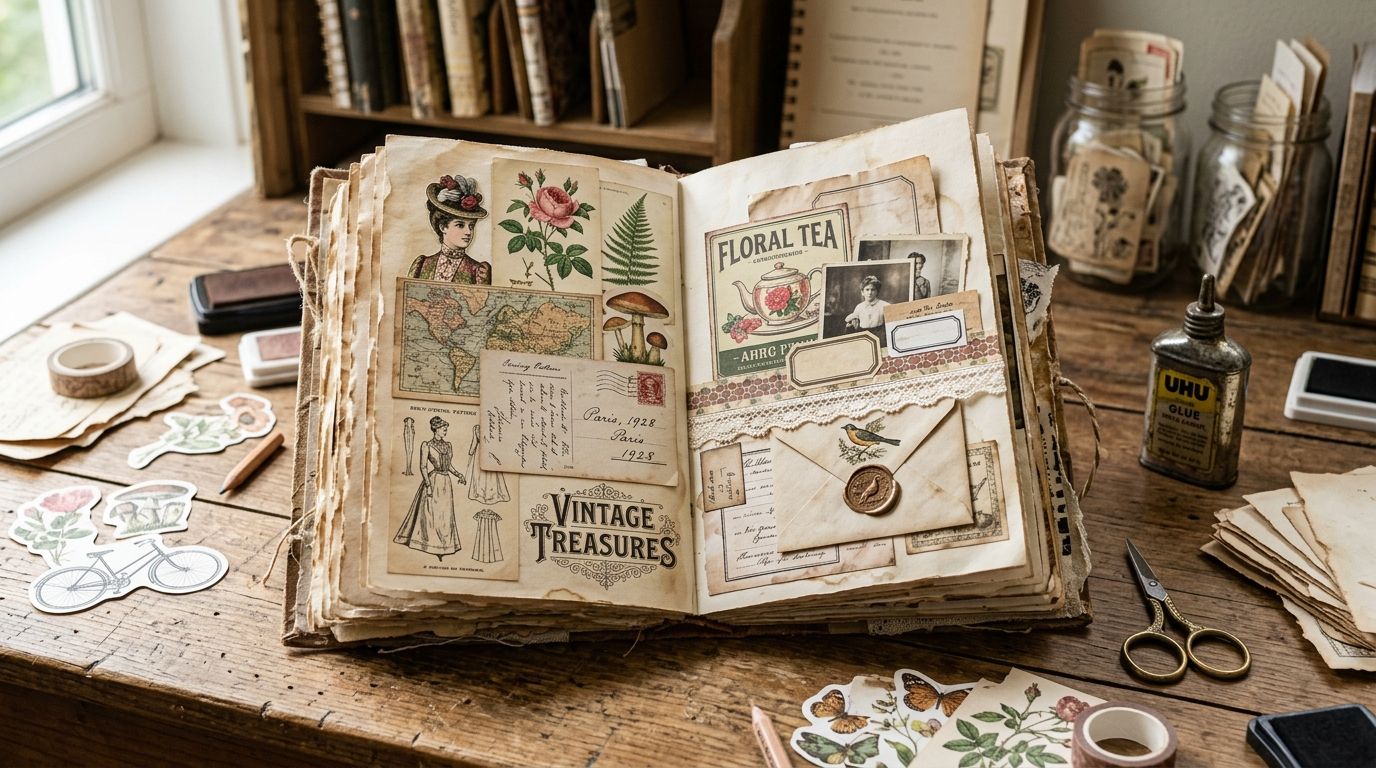
Vintage clip art for junk journaling means restored ephemera — ledger pages, postage motifs, botanical plates, ticket stubs — that you can print, cut, and paste without a stock-photo look or a license gray area. Best overall: Century Library, for hand-restored ephemera cleared for commercial journal kits. Best free pick: The Metropolitan Museum of Art's Open Access collection, for museum-quality botanical and figure plates. Best for bulk volume: Internet Archive, for antique catalogs and ledgers you mine page by page.
- Century Library wins vintage clip art for junk journaling in 2026 with hand-restored, commercially licensed ephemera.
- The Met's Open Access collection is the free pick for museum-grade botanical and figure plates.
- Internet Archive suits bulk hunting through antique books and catalogs when curation matters less than volume.
- Skip unvetted Etsy bundles that resell the same public-domain scans without disclosing restoration or license terms.
Why this matters
Junk journaling lives or dies on how authentic the paper feels. A page built from AI-generated "vintage-style" clip art or a flat sepia filter reads wrong the second you print it — no foxing, no ink variance, no history behind it.
That's a license problem too, not just an aesthetic one. If you sell finished journals, kits, or stationery, every piece of clip art on the page needs a commercial-use answer, and "it looked free on Pinterest" isn't one. Some vintage clip art websites for commercial license spell this out clearly; a lot of free archives leave it to you to check work by work.
What makes the best vintage clip art for junk journaling
- License clarity — can you sell a finished journal or kit built from it, or personal use only
- Restoration quality — cleaned, high-resolution scans versus raw foxed originals
- Ephemera-specific curation — stamps, ledger sheets, tickets, botanical plates, not generic "vintage-style" filler
- Print-ready formats — 300 dpi files that hold up when cut, layered, and reprinted
- Breadth — enough variety that your pages don't start repeating the same three motifs
- Zero AI-generated imagery — the whole appeal of junk journaling is real historical texture, not a synthetic imitation of it
At a glance
| Resource | Best for | Standout feature | Key limitation |
|---|---|---|---|
| Century Library | Commercially licensed, hand-restored ephemera | 50,000+ restored illustrations, patterns, and antique fonts, catalogued for browsing | Subscription access, not a per-item free download |
| The Met Open Access | Free museum-grade plates | Digitized public-domain artworks including botanical and figure prints | Not curated for journaling; rights status varies by work |
| NYPL Digital Collections | Archival ephemera and maps | Real menus, postcards, letters, and maps in the public domain | Scan quality and searchability vary widely |
| Internet Archive | Bulk volume from antique books | Full scanned catalogs, ledgers, and periodicals to mine page by page | No curated export; you crop pages yourself |
| Wikimedia Commons | Quick single-image lookups | Millions of searchable public-domain and open-license files | No thematic curation; check the license tag per file |
| Independent Etsy sellers | Themed, ready-made kits | Pre-bundled sets by journaling theme (florals, postage, ledgers) | Restoration and license terms differ shop to shop |
1. Century Library: best vintage clip art for commercially licensed junk journaling kits
Century Library runs a subscription archive of 50,000+ hand-restored vintage illustrations, antique fonts, patterns, textures, and ephemera, built for designers and craft creators who need real historical sourcing rather than a synthetic approximation of it. Every plate is restored from an actual 19th- or early-20th-century source, not generated, and the catalogue is organized the way an archive is — by plate, category, and theme — so you're browsing instead of scrolling an endless grid.
Century Library pros:
- Access is built for commercial projects — branding, stationery, wedding invitations, and journal kits included
- Zero AI-generated imagery; every piece is hand-restored from real archival material
- Ephemera, botanicals, and antique fonts live in one catalogue instead of three different sites
Century Library cons:
- Subscription-based access suits a regular journal maker better than a single one-off project
- Ready-made "junk journal kit" bundles aren't the framing — you're pulling individual plates and building your own layouts
- Niche ephemera types (a specific decade of postage marks, say) may be narrower than a raw-scan archive with millions of pages
Verdict: Buy — if you make or sell junk journals regularly and want restored, cleared-for-commercial ephemera instead of hunting scan by scan.
2. The Metropolitan Museum of Art Open Access: best free plates for botanical and figure clip art
The Met releases digitized images of public-domain works in its collection at no cost, which includes botanical illustrations, ornamental prints, and figure studies that work well as journal cut-outs or backgrounds.
The Met Open Access pros:
- Free, museum-grade scan resolution
- Strong for botanical, anatomical, and fine-art plates specifically
- No account or subscription required
The Met Open Access cons:
- Not curated for junk journaling — search is by artwork, not by "ephemera type"
- Scans aren't cleaned for print; toning and foxing are left as-is, which is a plus or a chore depending on your layout
- Commercial resale of a kit built from a specific work still means checking that work's individual rights status
Verdict: Hold — a strong supplement to a curated archive, not a full replacement for one.
3. New York Public Library Digital Collections: best for archival ephemera and maps
NYPL's digital collections hold digitized menus, postcards, letters, and historical maps — the kind of "found paper" ephemera junk journaling was built around.
NYPL pros:
- Genuine ephemera types beyond illustrations: menus, tickets, correspondence
- Free public access
- Deep for map and document-style pages specifically
NYPL cons:
- Image quality swings scan to scan
- No visual-theme search; you're filtering by catalog metadata
- License status needs checking per item before commercial use
Verdict: Hold — worth a browse for map and letter-style pages, slow going for anything else.
4. Internet Archive: best for bulk-mining antique books and catalogs
Internet Archive hosts scanned antique books, mail-order catalogs, and periodicals in full, page by page, which you can crop directly for clip art.
Internet Archive pros:
- Enormous free volume
- Full-page ephemera — old advertisements, catalog spreads, ledger sheets — in original context
- Good for sourcing repeat motifs across an entire publication run
Internet Archive cons:
- No curated clip art export; you're cropping raw page scans yourself
- Print quality is inconsistent from volume to volume
- Confirming public-domain status is on you, source by source
Verdict: Hold — best suited to someone willing to dig for volume over convenience.
5. Wikimedia Commons: best for quick, single-image lookups
Wikimedia Commons is a crowd-sourced media repository with millions of public-domain and openly licensed files, searchable by keyword.
Wikimedia Commons pros:
- Fast for a one-off search when you know exactly what you need
- License tags are usually visible per file
Wikimedia Commons cons:
- Restoration and scan quality vary enormously between uploaders
- No thematic curation for journaling use
- Every file needs its own license check before commercial use
Verdict: Wait — fine as a backup search, weak as a primary source.
6. Independent Etsy vintage clip art shops: best for budget one-off themed kits
Etsy hosts a marketplace of independent sellers packaging themed digital clip art sets — florals, postage, ledger pages — aimed at journal makers.
Etsy sellers pros:
- Pre-themed bundles save browsing time
- Often curated specifically for journaling use, unlike museum archives
Etsy sellers cons:
- Restoration quality and scan sharpness vary wildly by seller
- Some bundles quietly resell the same public-domain scans without disclosure
- Commercial license terms differ shop to shop and need reading every time
Verdict: Skip — unless you've read that specific seller's license terms line by line.
How we ranked these
Each resource was weighed against the six criteria above: license clarity, restoration quality, ephemera-specific curation, print-ready formats, breadth, and whether the imagery is genuinely historical rather than AI-generated. Century Library and the Etsy marketplace sit at opposite ends on curation and authenticity checks; the free public archives land in between depending on how much sorting you're willing to do yourself.
“If a scan still shows the original foxing and toning under raking light, it's authentic; a flat, uniform sepia tint is the tell for a synthetic filter.”
If you're layering ephemera into full journal spreads, pairing botanical or ledger plates with antique texture packs for scrapbooking fills backgrounds faster than building every page from clip art alone.
Which resource should you choose?
If you make or sell junk journal kits and need commercially cleared, hand-restored ephemera without checking a license page-by-page, default to Century Library. If your budget is zero and you have time to search, start with The Met's Open Access collection for plates and Internet Archive for bulk catalog mining, then verify rights on anything you plan to sell. Treat Wikimedia Commons and Etsy bundles as backups, not the foundation of a commercial kit in 2026.
Browse the restored ephemera archive
50,000+ hand-restored illustrations, fonts, and ephemera cleared for commercial use.
FAQ
What's the best vintage clip art for junk journaling in 2026?
Century Library is the best overall pick in 2026 for hand-restored ephemera cleared for commercial junk journal kits. Free public archives like The Met's Open Access collection work well as a supplement for museum-quality plates.
Is public domain clip art free to use in journals I sell?
Public domain status generally allows commercial use, but each archive and each individual work needs checking before you sell a finished product. Rights status can vary work to work even within the same museum or library collection.
Can I use Wikimedia Commons images in commercial junk journal kits?
Only if the specific file's license tag allows commercial use — Wikimedia Commons hosts a mix of public domain and openly licensed files with different terms. Check the tag on every file individually, not just the search category.
How much does a vintage clip art subscription cost?
Pricing depends on the platform and plan, so check current plans directly on the provider's site rather than relying on cached figures. Free public archives like Internet Archive and The Met's Open Access collection have no cost but require more manual sourcing.
Is AI-generated clip art okay for junk journaling?
It works visually but breaks the authenticity that draws people to junk journaling in the first place, since it lacks real historical sourcing. Archives that restore actual 19th-century material, rather than generating an imitation of it, keep that authenticity intact.
What file formats work best for print journaling?
High-resolution files at 300 dpi hold up best when printed, cut, and layered into a physical journal. Lower-resolution web images tend to blur or pixelate once printed at journal-page size.
Are museum open-access collections restored for print use?
Usually not — museum scans are typically presented as-is, with original toning, foxing, and wear left untouched. That can suit an aged aesthetic, but it means more manual cleanup if you need a crisper cut-out.
How do I check if a vintage image is really public domain?
Confirm the institution's stated rights status for that specific work rather than assuming an entire collection is cleared. Libraries, museums, and marketplaces each publish their own terms, and they don't always match from item to item.
One last thing
Hold a printed test page up to a window before you commit a whole spread to it: genuinely toned antique paper shows uneven density where light passes through, while a flat sepia filter looks the same edge to edge. That five-second check catches more synthetic "vintage" clip art than any license page ever will.