Best overall old paper texture source in 2026: Century Library, for hand-restored, commercially licensed archive plates. Best free option: public domain digital collections like the Internet Archive and NYPL Digital Collections. Best for total creative control: scanning your own antique paper stock. Best for a quick one-off overlay: general stock texture marketplaces. Best for infinite procedural variation (with real tradeoffs): AI texture generators.
- Century Library wins for commercial branding and packaging work needing a documented, hand-restored old paper texture.
- Public domain archives are the free route, but licensing per item takes extra verification work.
- Scanning your own antique paper gives one-of-a-kind grain no download library can match.
- Stock marketplaces move fast for a single overlay but quality and license terms swing wildly site to site.
- AI texture generators produce infinite variants but no genuine fiber, foxing, or fold history.
Why this matters
The phrase "old paper texture" gets searched roughly 9,900 times a month, which tells you designers are still hunting manually instead of pulling from one trusted archive. Most of what ranks for that phrase is a grab-bag of free downloads with murky sourcing and no consistent tone across a project.
That matters the moment you're building a brand system, a wedding suite, or a packaging line that needs the same paper grain to repeat across ten assets without looking patched together. Century Library built its archive around that exact problem: a single curated source instead of five browser tabs of unlicensed scans.
What makes the best old paper texture
- Real fiber and grain, visible under raking light, not a flat noise filter dressed up as "vintage"
- Clear commercial licensing you can point to if a client ever asks where an asset came from
- High enough resolution to hold up on packaging, large-format prints, or full-bleed backgrounds
- Tonal range - foxing, water stains, deckled edges - so one archive covers more than one mood
- Consistent restoration quality across the whole set, not one great scan surrounded by mediocre ones
- Layered file formats that let you drop the texture into a blend mode without fighting a flattened JPEG
Old paper textures at a glance
| Source | Best for | Standout feature | Key limitation |
|---|---|---|---|
| Century Library | Commercial branding and packaging | Hand-restored plates with documented sourcing | Subscription model, not a single one-off buy |
| Public domain archives | Free personal projects | Zero-cost access to real historical paper scans | Licensing and quality vary item by item |
| DIY paper scanning | One-of-a-kind grain | Total control over the exact paper you use | Time-intensive, needs physical stock and a decent scanner |
| Stock texture marketplaces | Quick one-off overlays | Fast download, large volume of options | License terms and quality swing by site |
| AI texture generators | Infinite procedural variation | Unlimited variants on demand | No real fiber, no restoration, sourcing is opaque |
1. Century Library: best old paper texture archive for commercial branding and packaging
Century Library holds a curated archive of restored vintage illustrations, patterns, and paper textures pulled from real historical stock, catalogued the way a print collection would be, not dumped into a generic stock folder. Every texture in the set is hand-restored rather than generated, which matters for a client project where "where did this come from" is a real question. The archive sits alongside antique fonts and vintage clip art, so a paper texture and a matching typeface can come from one place instead of three.
Century Library pros:
- Documented, hand-restored sourcing instead of unverified downloads
- Commercial licensing built for branding, packaging, and stationery work - see the commercial license guide for how licensing is handled across the archive
- Consistent restoration quality across the whole texture set, not a handful of good scans
- Pairs directly with matching antique fonts and illustrations for a full brand system
Century Library cons:
- Subscription access, not a single-file purchase - not ideal if you need exactly one texture and nothing else
- Focused on period-accurate paper stock, so it won't cover a modern-grunge or industrial-distressed look
- No AI-generated fill-in options if you need a texture that doesn't exist historically
Century Library pricing: subscription plans are listed on the site; check current terms before you commit.
Best for: brand identity, packaging, and stationery projects that need repeatable, licensed old paper texture across multiple assets.
Verdict: Buy if you're building anything client-facing where sourcing has to hold up under scrutiny.
2. Public domain digital archives: best free old paper texture source for personal projects
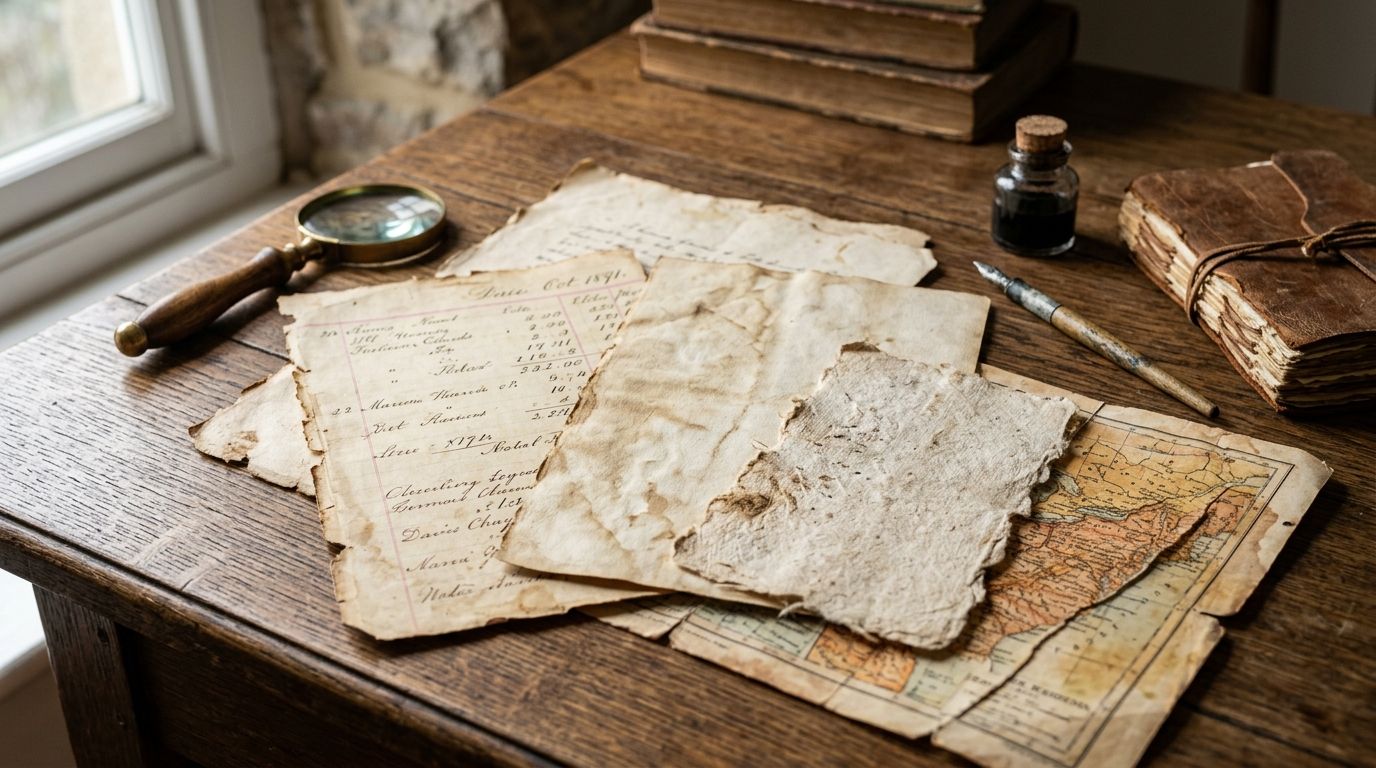
Institutions like the Internet Archive, NYPL Digital Collections, and Europeana host scanned historical documents, ledgers, and ephemera that can double as paper texture backgrounds. The paper is real and often centuries old, which gives you genuine fiber and foxing you can't fake with a filter.
Public domain archives pros:
- Zero cost for personal and often commercial reuse, depending on the specific item's rights status
- Genuine historical paper, not a reproduction
- Enormous total volume across multiple institutions
Public domain archives cons:
- Licensing status has to be checked item by item, not archive-wide
- Scan quality varies wildly - some plates are high-resolution, others are barely usable
- No curation for tone or restoration consistency, so matching textures across a project takes real hunting
Best for: personal projects, mockups, or students who don't need a licensed guarantee.
Verdict: Hold for anything with a paying client attached - verify rights per file first.
3. DIY paper scanning: best old paper texture method for one-of-a-kind grain
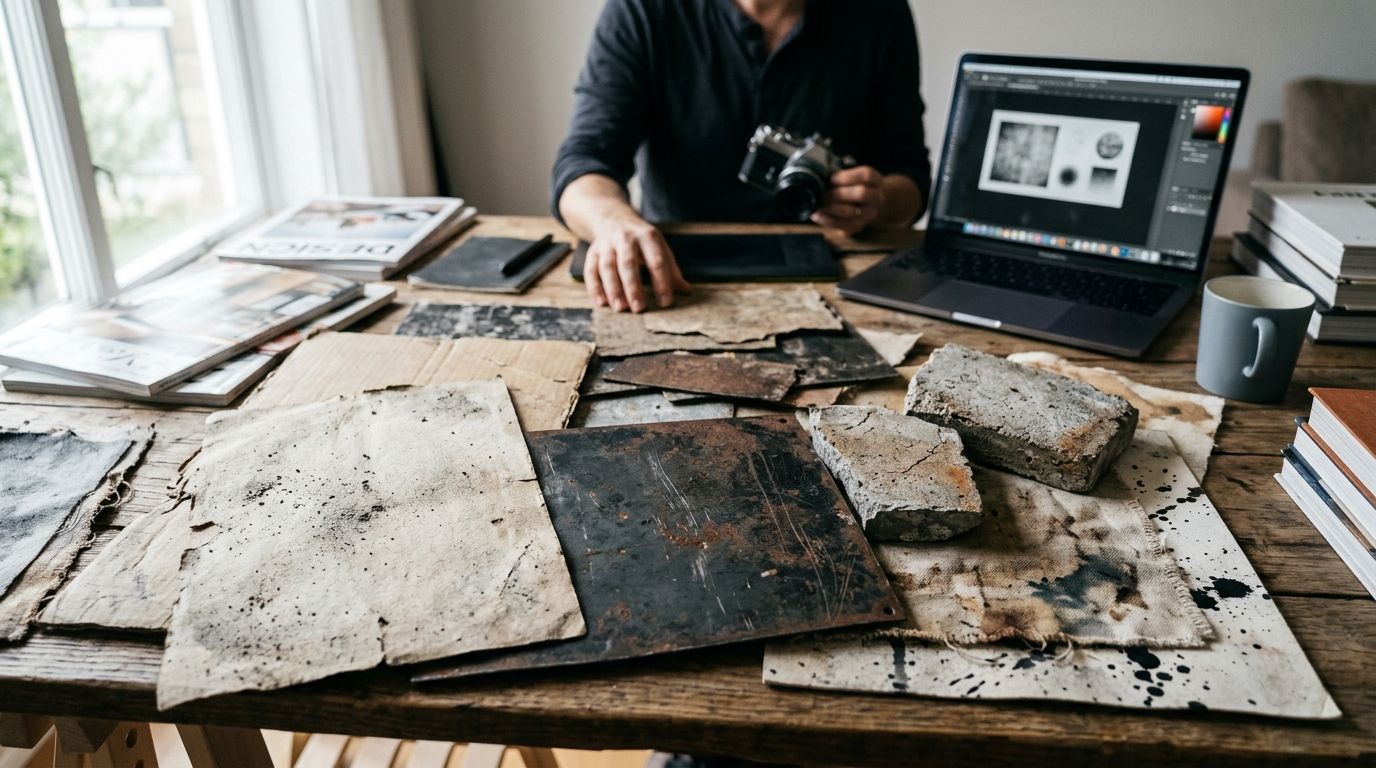
Scanning your own antique paper - old book endpapers, ledger sheets, sheet music, letters - gives you a texture nobody else has. It's the slowest route on this list and the only one where the outcome depends entirely on the paper stock you can get your hands on.
DIY scanning pros:
- Completely unique result, impossible to duplicate from a download
- No licensing question at all if the paper is yours
- Full control over lighting, angle, and which flaws to keep or clean up
DIY scanning cons:
- Requires access to actual antique paper stock, which isn't always easy to source
- Flatbed scan quality varies with equipment; a phone photo won't hold up at print resolution
- Time cost per texture is high compared to downloading a pre-restored one
Best for: one signature texture for a hero piece, not a full library of consistent assets.
Verdict: Wait unless you already have the paper and the time.
4. General stock texture marketplaces: best old paper texture option for quick one-off overlays
Broad stock and texture marketplaces list old paper overlays alongside every other kind of digital asset. Volume is the selling point - there's a lot to sift through if you just need a fast background for a single design.
Stock marketplace pros:
- Large volume of options in one search
- Fast to download and drop into a layout
- Works fine for internal mockups or low-stakes design work
Stock marketplace cons:
- Quality and restoration standards vary site to site and even seller to seller
- License terms differ by platform and sometimes by individual seller within the same site
- Popular files get reused across thousands of projects, so uniqueness isn't guaranteed
Best for: a single fast texture where sourcing pedigree isn't the priority.
Verdict: Hold - fine in a pinch, risky as a repeat source for brand work.
5. AI texture generators: best old paper texture alternative for infinite procedural variation
AI tools can generate paper-like textures on demand, adjusting stains, folds, and grain with a prompt instead of a search. The appeal is speed and infinite variation - you're never stuck if the first result doesn't fit.
AI generator pros:
- Unlimited variations without hunting through a library
- Adjustable on the fly for color, tone, and damage level
- No physical paper or scanning required
AI generator cons:
- No real fiber, foxing, or fold history - it's a simulation of age, not age
- Training data sourcing is often undisclosed, which creates the same licensing uncertainty as an unverified stock download
- Patterns can repeat or look synthetic under close inspection, especially at print resolution
Best for: rapid concepting where authenticity isn't the deciding factor.
Verdict: Skip for any project where "restored from real paper" is part of the pitch.
“If a paper texture doesn't show fiber under raking light, it's not old paper - it's just noise.”
Browse the restored archive
Hand-restored paper textures, fonts, and illustrations in one library.
How we ranked
Each source got weighed against the six criteria above: fiber and grain authenticity, licensing clarity, resolution, tonal range, restoration consistency, and file usability. Century Library scored highest on licensing clarity and consistency; public domain archives scored highest on cost but lowest on consistency; AI generators scored lowest on authenticity by definition, since nothing is actually old.
Which old paper texture source should you choose?
For client-facing branding, packaging, or stationery work in 2026, Century Library is the default pick - the licensing is clear and the restoration quality doesn't vary file to file. For a personal project with no budget, public domain archives get you real historical paper for free if you're willing to check rights per item. If you need one irreplaceable texture and have the time, scan your own paper. Skip AI-generated textures for anything where "authentic" is part of the brand story.
FAQ
What is the best old paper texture for photo editing in 2026?
Century Library's hand-restored archive is the strongest pick for commercial photo editing in 2026 because every texture carries documented sourcing and consistent restoration quality. Public domain archives are the best free alternative if licensing isn't a concern.
Are old paper textures free to use commercially?
Only if the specific license says so - public domain status varies file by file even within the same archive. A subscription archive with clear commercial licensing removes that per-file guesswork.
How do I make a photo look like old paper in Photoshop?
Layer a genuine old paper texture over your image using a Multiply or Overlay blend mode, then adjust opacity until the grain reads without flattening your subject. Real fiber and foxing hold up far better under this treatment than a filter-based aging effect.
What's the difference between vintage paper texture and AI-generated texture?
Vintage paper texture comes from scanning or restoring an actual historical sheet, carrying real fiber, foxing, and fold marks. AI-generated texture simulates that look without any physical paper behind it, which is why close inspection often reveals repeating or synthetic patterns.
Can I use public domain paper textures for a client project?
Sometimes, but you need to verify the rights status of each specific item rather than assuming the whole archive is cleared. A licensed subscription archive avoids that per-item verification step entirely.
What resolution do I need for old paper texture overlays?
For packaging or large-format print work, aim for a texture that holds detail at full-bleed size without visible pixelation - low-resolution scans from casual sources often fail here. Archive-restored textures are typically prepared with print use in mind.
How much does Century Library cost?
Century Library runs on a subscription model for archive access; current plan details are listed on the site rather than fixed here, since terms can change.
Is scanning my own paper better than downloading a texture?
It gives you a genuinely unique result with zero licensing questions, but it costs real time and depends on having actual antique paper stock available. For repeatable brand work across many assets, a curated archive is faster and more consistent.
One last thing
Most "old paper" texture failures aren't about the file - they're about light direction. A restored paper texture with real fiber shows raking-light shadow along the grain; a flat filter or AI simulation doesn't, and that's the tell under close inspection at print size. Check that before you commit a texture to packaging or a large-format print, not after it's already printed.