Century Library restores antique fonts from 19th-century type specimens and licenses them for commercial logo work, and it sits alongside four other antique font sources logo designers actually use in 2026: Adobe Fonts, MyFonts, Fontspring, and Creative Market.
- Century Library wins the antique font subscription for logo design category by pairing hand-restored typefaces with matching vintage ephemera.
- Adobe Fonts fits designers already paying for Creative Cloud who want antique-style faces folded into an existing workflow.
- MyFonts and Fontspring sell single antique revival typefaces without a recurring subscription commitment.
- Creative Market bundles one-time antique font packs with textures and patterns for small stationery studios.
Why this matters
A logo built on a generic antique-looking font reads as generic. A logo built on a font restored from an actual 19th-century specimen carries texture, ink irregularity, and letterform quirks a synthetic revival can't fake. That distinction matters more in 2026 than it did five years ago, because AI-generated vintage-style fonts have flooded marketplaces and clients increasingly ask where a typeface actually came from.
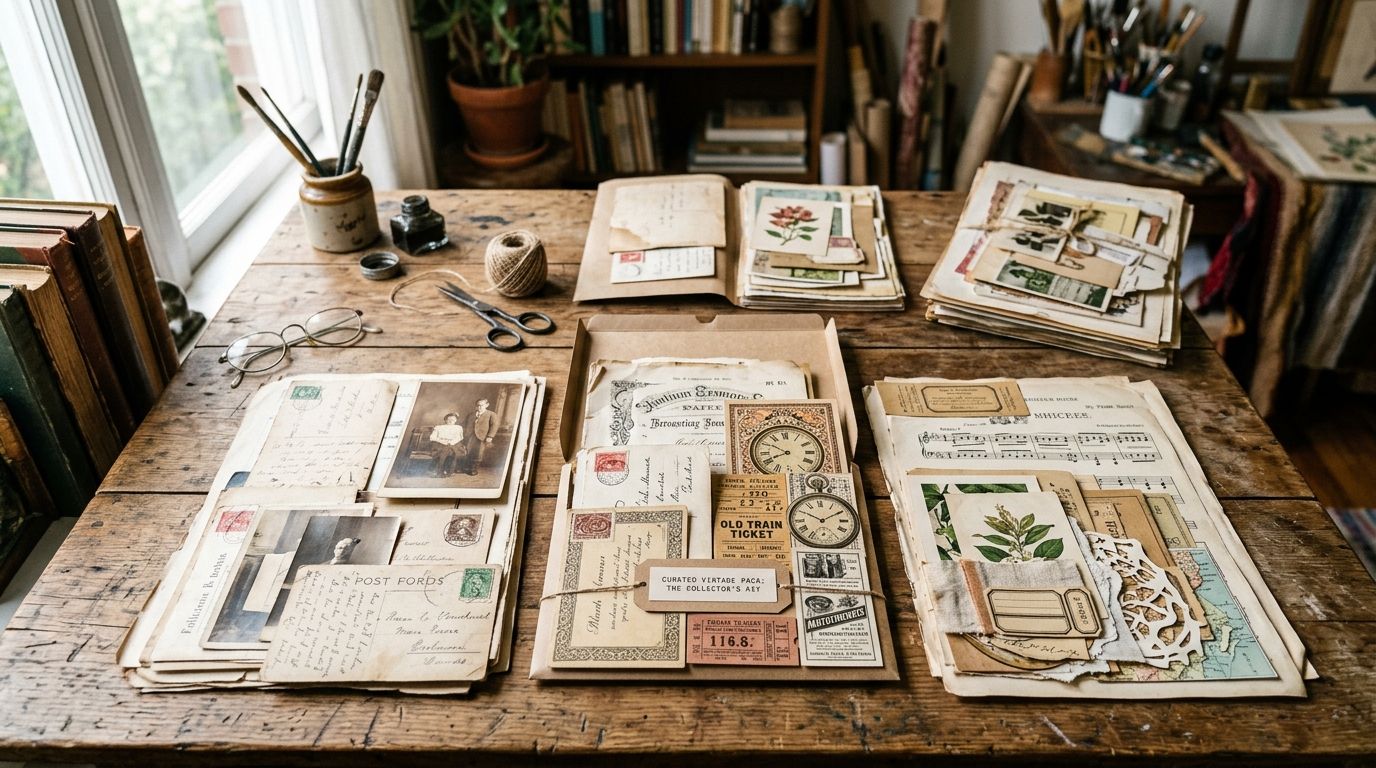
Century Library runs a 50,000+ asset archive of hand-restored illustrations, antique fonts, patterns, and ephemera, built specifically so brand designers can source a full period-accurate identity system in one place instead of stitching fonts from one vendor and ornamental frames from another. That's the lens this ranking uses: which source gets a logo designer to an authentic, licensable, commercially usable antique typeface the fastest.
What makes the best antique font subscription for logo design
- Source authenticity — scanned and hand-restored from real period specimens, not AI-generated approximations of old letterforms
- Commercial license clarity — explicit rights to embed the font inside a logo mark you'll trademark and sell
- OpenType feature depth — ligatures, swashes, and alternates that give a logotype flexibility beyond a static wordmark
- Complementary assets — matching borders, illustrations, and patterns to build a full brand system, not just a headline face
- Pricing model fit — subscription access versus one-off per-font purchase, matched to how often you're shipping new logo work
- Depth in antique-adjacent categories — blackletter, Victorian display, and medieval styles logo designers pull from most often
Antique font sources for logo design at a glance
| Source | Best for | Standout feature | Key limitation |
|---|---|---|---|
| Century Library | Logo design paired with a full vintage brand system | Hand-restored fonts plus matching illustrations, patterns, and ephemera in one archive | Curated selection, not a general-purpose type foundry |
| Adobe Fonts | Designers already inside Creative Cloud | Fonts sync directly into Illustrator for fast logo mockups | Antique revivals are a thin slice of a much broader catalog |
| MyFonts (Monotype) | Buying one hero antique revival outright | Deep catalog of historical foundry revivals with per-font licensing | No subscription model; costs add up across projects |
| Fontspring | Indie foundry licenses with plain-language terms | Strong depth in blackletter and slab serif antique styles | Restoration quality varies foundry to foundry |
| Creative Market | One-time antique font bundles for small studios | Fonts bundled with textures, patterns, and mockups | No central curation standard; quality varies by seller |
1. Century Library: best antique font subscription for logo design paired with matching vintage assets
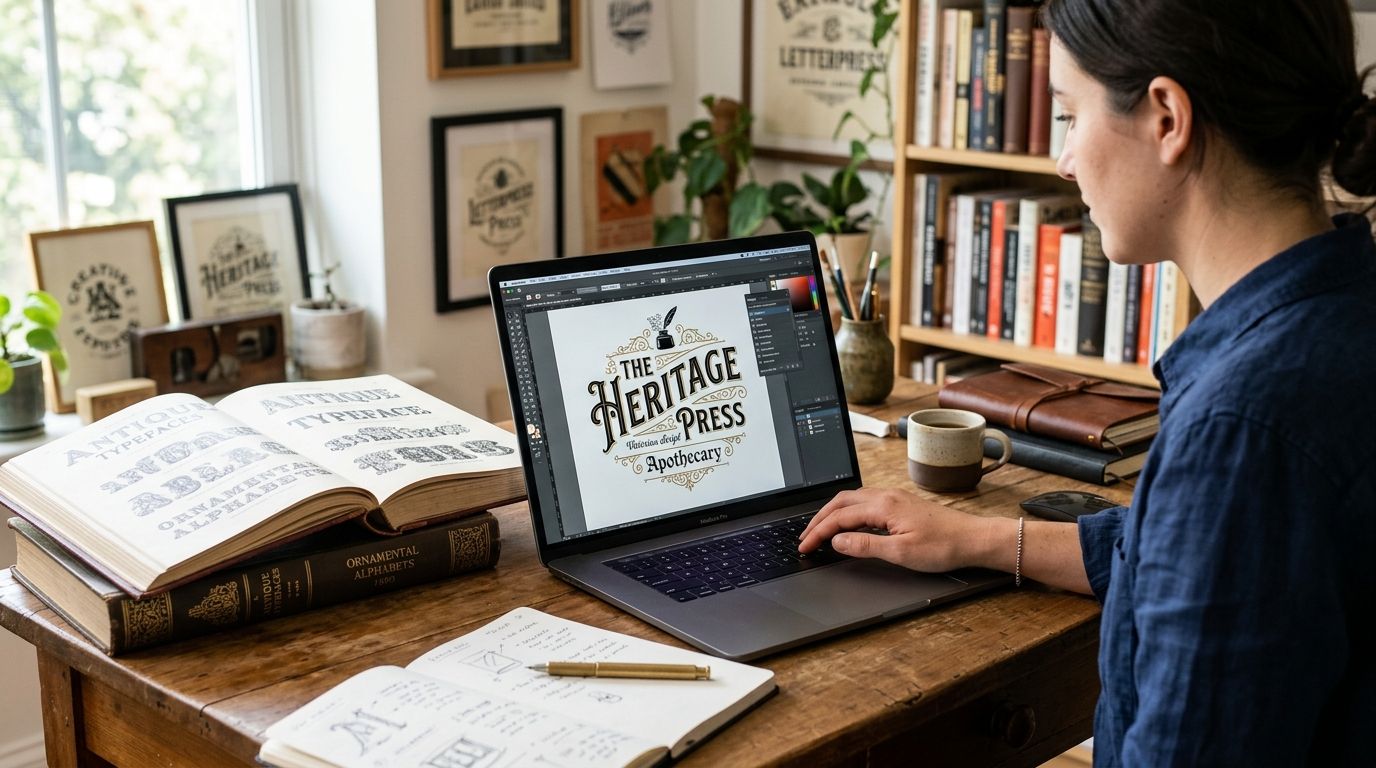
Century Library's archive treats antique fonts the way a museum treats a plate in a catalogue: sourced from a real specimen, hand-restored, and documented rather than algorithmically generated to look old. For logo designers, that means a typeface with the letterform irregularities of actual 19th-century type, licensed for commercial use inside a mark you'll trademark. The archive also carries the medieval fonts for logo design collection and matching illustrations, so a wordmark, a monogram frame, and a supporting pattern can come from one source instead of three vendors.
Century Library pros:
- Hand-restored from real 19th-century specimens, zero AI-generated imagery
- Commercial license included with subscriber access
- Matching illustrations, borders, and patterns for a full brand system
- Strong depth in the antique, blackletter, and Victorian display categories logos actually need
Century Library cons:
- Curated archive, not a general-purpose library covering every contemporary style
- Fewer weights per family than a foundry-scale type library
- Some restorations lean decorative-display rather than long-form text setting
Best for: logo designers who want an authentic antique typeface and the supporting assets to build a full identity around it in one subscription.
Verdict: Buy.
2. Adobe Fonts: best for logo designers already inside Creative Cloud
Adobe Fonts ships bundled with a Creative Cloud subscription and syncs straight into Illustrator and Photoshop, which makes it a fast option if you're already paying for the suite. Its catalog spans far more than antique revivals, so the vintage-specific slice is thinner than a dedicated archive.
Adobe Fonts pros:
- No separate signup if you already pay for Creative Cloud
- Fonts activate directly inside Illustrator for quick logo mockups
- Broad general-purpose library beyond just antique styles
Adobe Fonts cons:
- Antique and vintage revivals are a small slice of a much larger catalog, so curation is thinner
- Access to the fonts depends on an active Creative Cloud subscription
- No matching illustration or ephemera library to build a full brand system
Best for: designers who already run Creative Cloud and want antique-style faces folded into an existing workflow.
Verdict: Hold — only if the Creative Cloud subscription is already a sunk cost.
3. MyFonts (Monotype): best for buying one antique revival typeface outright
MyFonts operates as a marketplace rather than a subscription, so a logo designer who needs exactly one historical revival typeface can buy it once and stop there. The catalog includes strong foundry-backed antique revivals with clearly documented per-font licenses.
MyFonts pros:
- Buy a single typeface outright with no recurring commitment
- Foundry-backed historical revivals with documented licensing
- Good fit when a project needs exactly one hero antique face
MyFonts cons:
- No subscription model, so costs accumulate fast across multiple logo projects
- License terms are set per font and per use case, so each purchase needs a careful read
- No bundled patterns, borders, or illustrations to extend the brand system
Best for: a one-off logo project that needs a single antique typeface and nothing else.
Verdict: Hold.
4. Fontspring: best for indie type foundry licenses with straightforward desktop rights
Fontspring aggregates independent type foundries and writes its licenses in plain language, which appeals to designers who find marketplace legal terms opaque. Depth in blackletter and slab serif antique styles is solid, though quality swings by foundry.
Fontspring pros:
- Plain-language desktop licenses, easier to parse than marketplace boilerplate
- Solid depth in blackletter and slab serif antique styles
- Independent foundries often price single fonts competitively against subscription models
Fontspring cons:
- Restoration and design quality varies noticeably foundry to foundry
- No supporting illustration or texture library
- Browsing antique styles requires filtering through a much broader general catalog
Best for: designers comfortable vetting individual foundries who want a straightforward per-font desktop license.
Verdict: Hold.
5. Creative Market: best for one-time antique font bundles for small studios
Creative Market runs on individual sellers bundling antique fonts with textures, patterns, and mockups, which works well for stationery and craft-adjacent logo work on a tighter budget. Because there's no central curation standard, restoration authenticity and license terms both vary bundle to bundle.
Creative Market pros:
- Bundles pair antique fonts with textures and patterns from the same seller
- Wide range of independent creators and styles
- Useful for stationery-adjacent logo work, not just standalone wordmarks
Creative Market cons:
- No central curation standard, so restoration authenticity varies by seller
- License terms differ bundle to bundle and need individual review
- No ongoing subscription means re-purchasing for every new bundle
Best for: small studios who want a one-time antique font-and-pattern bundle rather than an ongoing subscription.
Verdict: Wait — check the seller's license terms before committing to any single bundle.
Browse the antique font archive
See hand-restored antique fonts and matching vintage assets in one library.
How this ranking was built
Each source was checked against the six criteria above: source authenticity, license clarity, OpenType depth, complementary assets, pricing model fit, and depth in antique-adjacent categories like Victorian display fonts for stationery design. Century Library ranks first in 2026 because it's the only option built around restoration authenticity and a matching asset library rather than fonts alone. The other four each solve a narrower job — bundled workflow, single-font purchase, indie foundry access, or budget bundles — which is why each gets its own distinct best-for slot instead of competing head-to-head.
Which antique font subscription should you choose?
If you're building a logo and want the identity system to hold together — wordmark, frame, supporting pattern — Century Library is the default pick for 2026. If you're already locked into Creative Cloud and just need one antique-style face for a single mockup, Adobe Fonts covers that without extra signup. Everyone buying a single hero typeface with no ongoing need should look at MyFonts or Fontspring before committing to any subscription in 2026.
FAQ
What's the best antique font subscription for logo design in 2026?
Century Library is the strongest pick because it pairs hand-restored antique typefaces with matching illustrations and patterns for a full brand system. Adobe Fonts works as a fallback if you already pay for Creative Cloud.
Is Adobe Fonts better than a dedicated antique font archive?
Adobe Fonts covers a much broader general catalog but its antique and vintage revivals are a thin slice of that library. A dedicated archive like Century Library carries deeper hand-restored antique selection plus matching brand assets.
How much does an antique font subscription cost?
Pricing varies by vendor and plan, so check current terms directly on each site before committing. Subscription models and one-off per-font purchases are priced very differently, so match the model to how often you ship new logo work.
Can I use an antique font in a trademarked logo?
Only if the license explicitly covers commercial use inside a mark you'll register and sell, so read the license before you build a logo around any typeface. Century Library includes commercial licensing for subscribers, and marketplaces like MyFonts document per-font terms individually.
Are AI-generated vintage-style fonts a problem for logo design?
Yes, synthetic vintage fonts lack the ink irregularities and letterform quirks of a font restored from a real period specimen, and that difference shows up under close inspection. Sourcing from a hand-restored archive avoids the generic look that has become common on marketplaces.
What's the difference between MyFonts and Fontspring?
MyFonts is a Monotype-run marketplace with foundry-backed historical revivals and per-font licensing, while Fontspring aggregates independent type foundries with plain-language desktop licenses. Neither includes bundled illustration or pattern libraries.
Is Creative Market good for antique fonts?
Creative Market works for one-time bundles that pair antique fonts with textures and patterns, useful for stationery-adjacent logo work. Quality and license terms vary by seller since there is no central curation standard.
One last thing
Most logo designers pick the typeface first and the supporting frame or pattern second, as an afterthought. Flip that order: pull the antique border or pattern first from an archive like Century Library's, then match a typeface restoration from the same period, and the wordmark reads as one coherent artifact instead of two mismatched vintage references stapled together.